INTRODUCTION
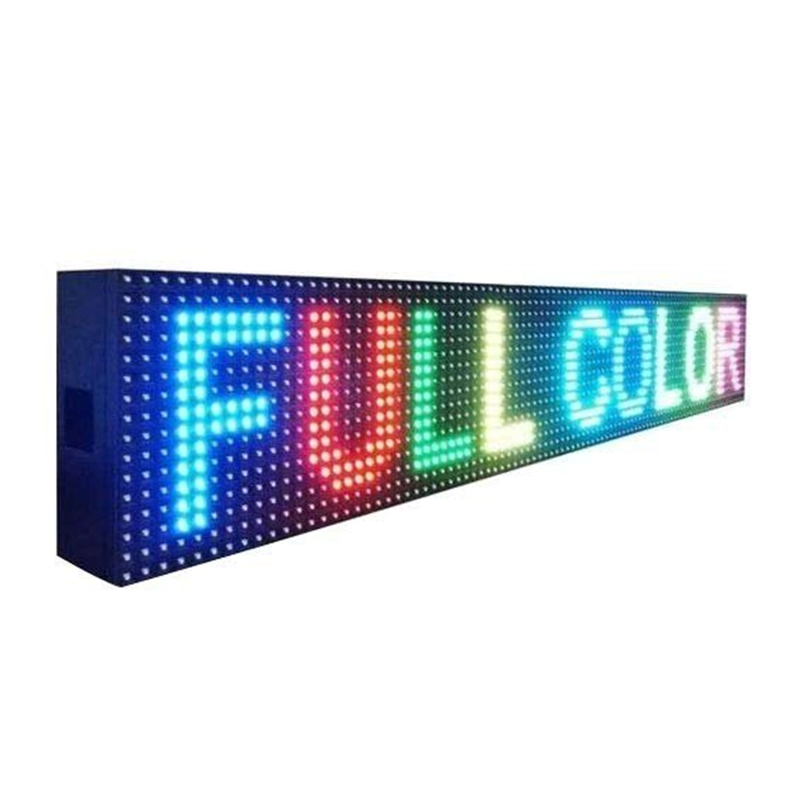
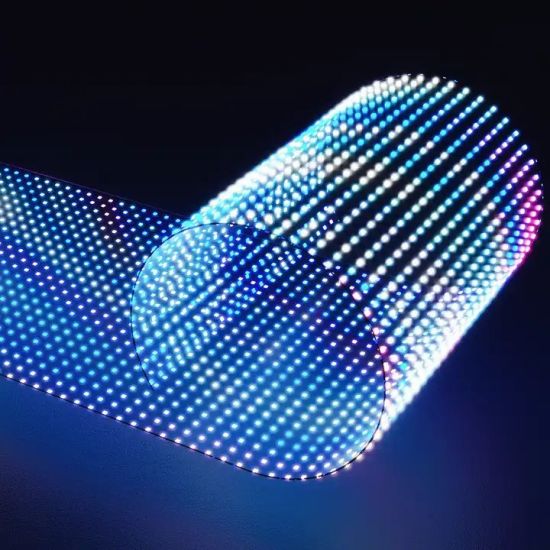
LED displays are a significant investment for businesses, events, and public spaces. To ensure they continue delivering vibrant visuals and reliable service for years, regular maintenance is essential. Here’s a complete guide on how to keep your LED screen in top condition for long-term performance.
Clean the Display Surface Regularly
Dust, dirt, and pollution can accumulate on the surface of the LED screen, affecting brightness and clarity. Use a soft, dry microfiber cloth or an antistatic brush to clean the surface gently. For stubborn dirt, use a mild screen-safe cleaning solution. Avoid spraying liquids directly on the screen to prevent damage to internal components
Monitor Environmental Conditions
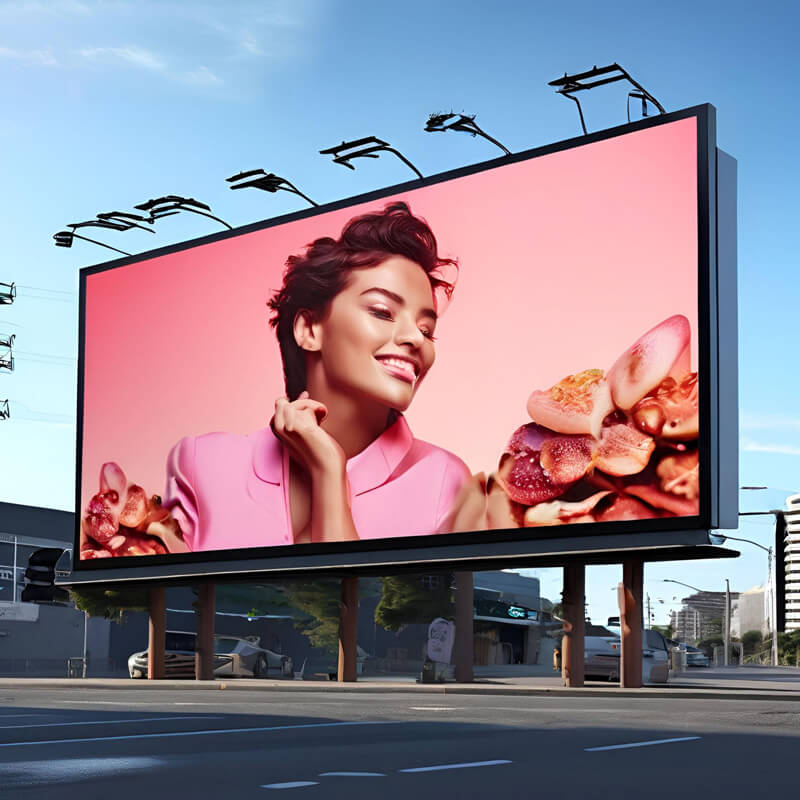
LED displays are sensitive to extreme weather, moisture, and heat. If the screen is installed outdoors, make sure it’s rated for weather resistance (IP65 or higher). Install shading, ventilation, or waterproof casings when needed. For indoor displays, maintain a stable temperature and humidity level in the environment.
Check for Loose Connections and Cables
Over time, vibrations or accidental tugs can loosen cables or connectors. Periodically inspect power cables, data connectors, and signal wires. Secure any loose components and replace damaged wires immediately to prevent flickering or power failure.
Update Software and Firmware
LED displays with digital processors or smart controllers often have software or firmware that controls image output. Keep this software up to date to ensure compatibility, smoother performance, and enhanced functionality. Contact your vendor or technician for approved update
Run Periodic Diagnostic Tests
Most modern LED controllers allow you to perform diagnostic checks. These tests can detect dead pixels, signal delays, or module errors. Running regular tests can help identify minor issues before they become serious.
Schedule Professional Maintenance
While regular in-house checks are important, hiring a qualified technician to inspect the display every 6–12 months ensures deeper-level maintenance. They can recalibrate colors, replace aging components, and verify that your screen operates at optimal levels.
Avoid Overuse and Power Surges
Using the LED screen for continuous 24/7 operations without breaks may reduce its lifespan. Allow rest periods if possible, and ensure that the screen is connected to a stable power source with surge protection to avoid electrical damage during outages or spikes.
Train Staff for Basic Handling
If multiple people manage or operate the display, it’s essential to train them on proper usage. This includes how to turn the system on and off, update content, and recognize early warning signs of technical issues.