Processor vs Controller: Understanding the Brains of Your LED Screen

When building a high-impact LED display, you’ll encounter two critical components: the Controller and the Processor. While they often work together and are sometimes integrated into one box (like the NovaStar VX series), their fundamental jobs are distinct.

The Video Processor: The Image Perfectionist
The Processor handles all the heavy lifting related to image quality and input management. It sits between your content source (like a computer, camera, or Blu-ray player) and the LED Controller.

Key Functions of the Processor:
Signal Translation & Scaling (The Most Important Job): Your video source rarely matches the exact, custom pixel resolution of your unique LED wall. The processor scales and converts the input signal perfectly to fit the screen’s native resolution, preventing distortion, stretching, or pixelation.
Input Switching: It manages multiple inputs (HDMI, DVI, SDI, etc.) and allows for seamless switching between them—critical for live events and broadcasts where you can’t afford a flicker or black screen.
Image Enhancement: It performs advanced tasks like color correction, brightness adjustment (gamma correction), noise reduction, and de-interlacing to ensure the final image is vibrant, sharp, and true-to-life.
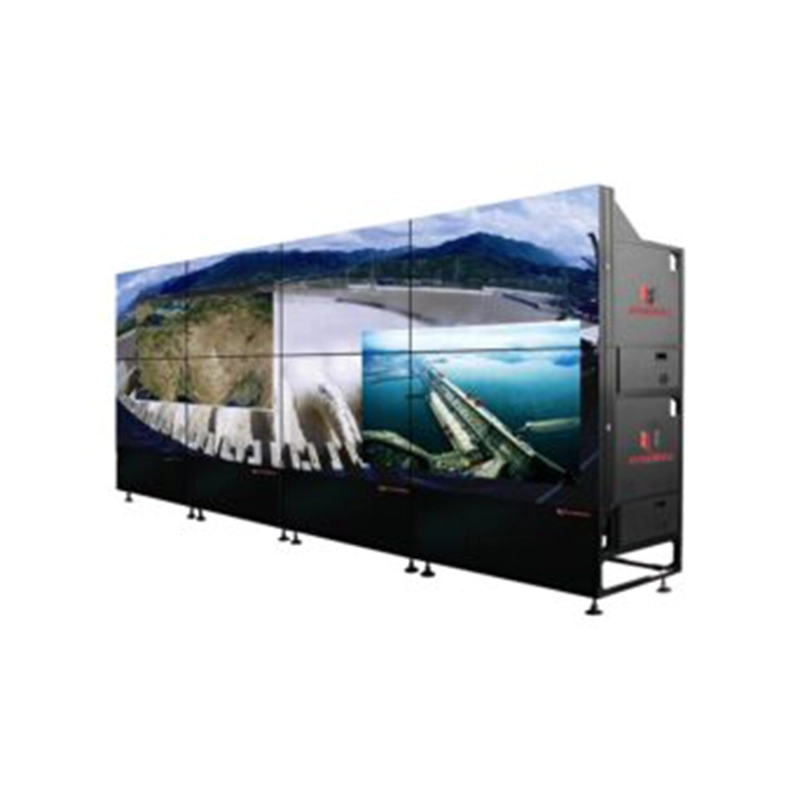
Windowing: On large displays, a processor allows you to create Picture-in-Picture (PiP) or display multiple video feeds on the screen simultaneously.

The LED Controller (Sending Card/Box): The Digital Traffic Cop

The Controller (or "Sending Card") is the bridge between the content source (or the Processor) and the display itself. Its job is to take the finalized content and distribute the data signal across the entire LED matrix.

Key Functions of the Controller: Pixel Mapping & Distribution: It takes the video feed and splits the digital data into smaller segments, sending the correct instructions (color, brightness) via Ethernet ports to the thousands of individual receiving cards (or modules) in the LED wall. Content Storage & Scheduling (Asynchronous Controllers): Many modern controllers (like Huidu's A-series or WF-series) are Asynchronous. They feature onboard memory (e.g., 4GB or 16GB) to store content internally and manage playlists, allowing the screen to play scheduled content without needing a constantly connected PC. Basic Communication: It establishes the communication link, often via Wi-Fi, Ethernet, or USB, allowing you to manage the screen remotely. Screen Parameters: It sets core operational settings like the refresh rate, scanning method, and overall panel configuration.

You Need a Controller When: You are setting up any LED screen. It is the fundamental component required to power and communicate with the display modules.

The Integrated Solution In modern digital signage, you often find All-in-One Controllers (like the NovaStar VX1). These devices ingeniously combine the powerful image processing features of a dedicated processor with the pixel-mapping capabilities of a sending card. This saves cost, simplifies the signal chain, and is ideal for many permanent commercial installations.

The takeaway is simple: The Processor is about quality (making the picture look good), and the Controller is about distribution and management (getting the good picture to the right place at the right time).