LED Screen Software Configuration: How Module Filling, Mapping & Connections Work

An LED screen is not only made up of LED modules, cabinets, and electronic components. Behind the visual output, software configuration plays an important role in making sure every module displays the correct image. Proper configuration helps the screen deliver smooth visuals, accurate content placement, and reliable performance.

Three important parts of LED screen configuration are module filling, mapping, and connections.

What Is Module Filling?

Module filling refers to defining how LED modules are arranged inside an LED cabinet. The software uses information such as the number of modules, module resolution, width, height, and their arrangement. Correct module filling ensures that the system understands the physical structure of the cabinet. If the module configuration is incorrect, the displayed image may appear distorted, shifted, or incomplete.

What Is LED Screen Mapping?

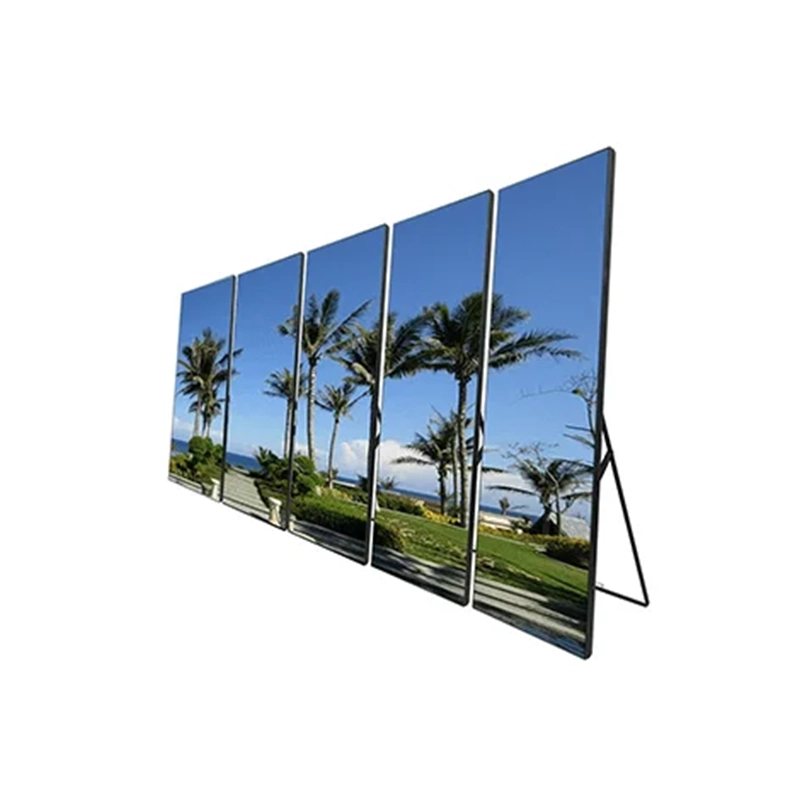
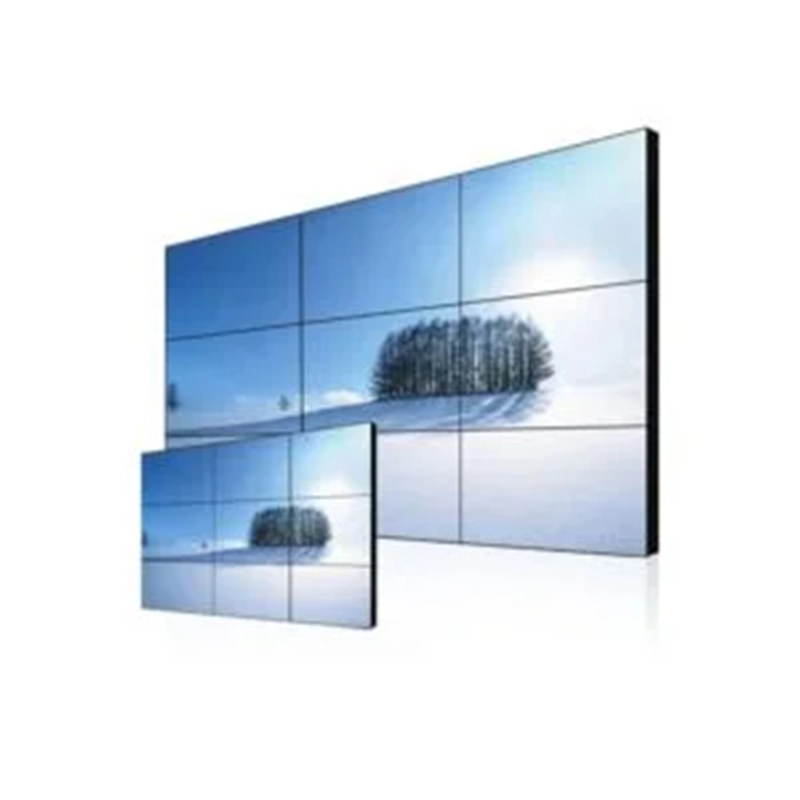
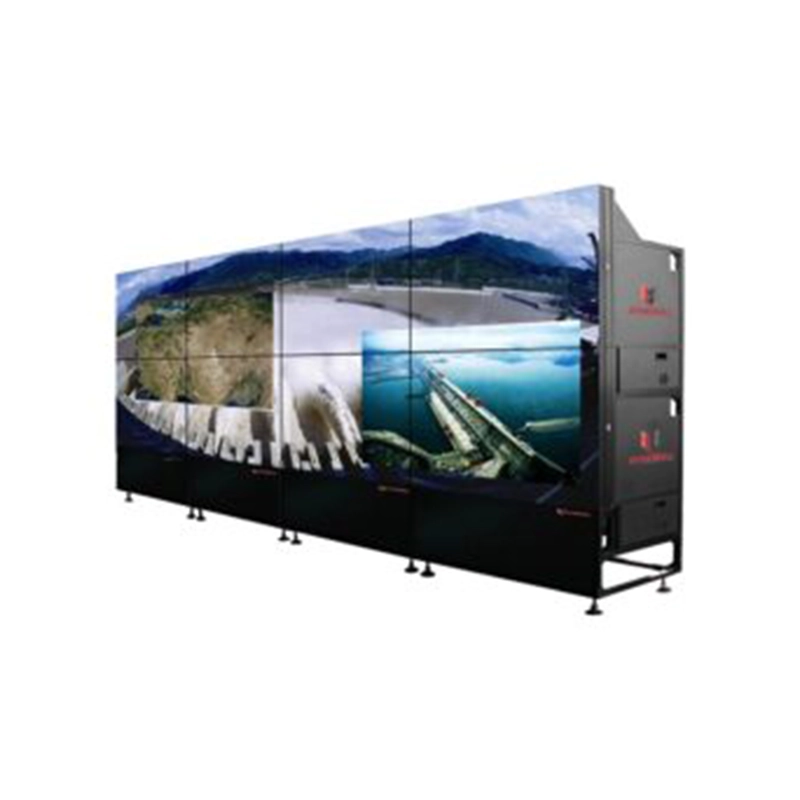
Mapping determines how individual cabinets or modules are arranged to create the complete LED screen. It tells the control system which part of the incoming image should appear on each cabinet. For example, a large LED wall may contain several cabinets arranged in rows and columns. Mapping assigns each cabinet its correct position so that the complete image appears in the right order.

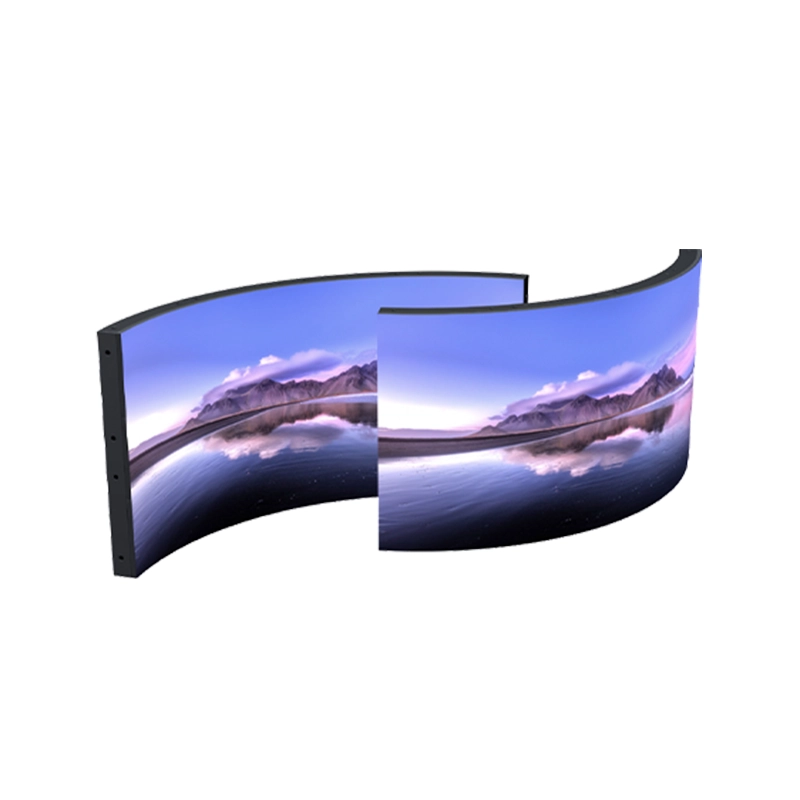
Proper mapping is especially important for large, irregular, or customized LED screens.

Understanding LED Screen Connections

Connections define how data travels between the sending system, receiving cards, and LED cabinets or modules. The physical connection sequence should match the configuration set in the software.

If the connection order is incorrect, images may appear in the wrong position or sections of the screen may not display correctly.

Why Correct Configuration Matters

Accurate software configuration helps achieve:

Correct image positioning Smooth and continuous visuals Proper cabinet and module sequencing Accurate screen resolution Easier troubleshooting and maintenance Reliable screen performance Configuration becomes even more important when installing large LED walls with multiple cabinets, different cabinet layouts, or non-standard screen shapes. Common Configuration Issues Incorrect settings can lead to problems such as: Modules displaying content in the wrong order Reversed or shifted images Blank sections on the screen Incorrect cabinet mapping Flickering or abnormal display output

Checking the module parameters, mapping layout, and physical data connections can help identify these issues.

Conclusion

Module filling, mapping, and connections are essential parts of LED screen software configuration. While the physical components create the display, proper configuration ensures that these components work together as one complete screen.

A well-configured LED display provides accurate content placement, smooth visuals, and dependable performance, making software setup an important step in every LED screen installation.