LED Display Software: Features, Benefits, and How It Works

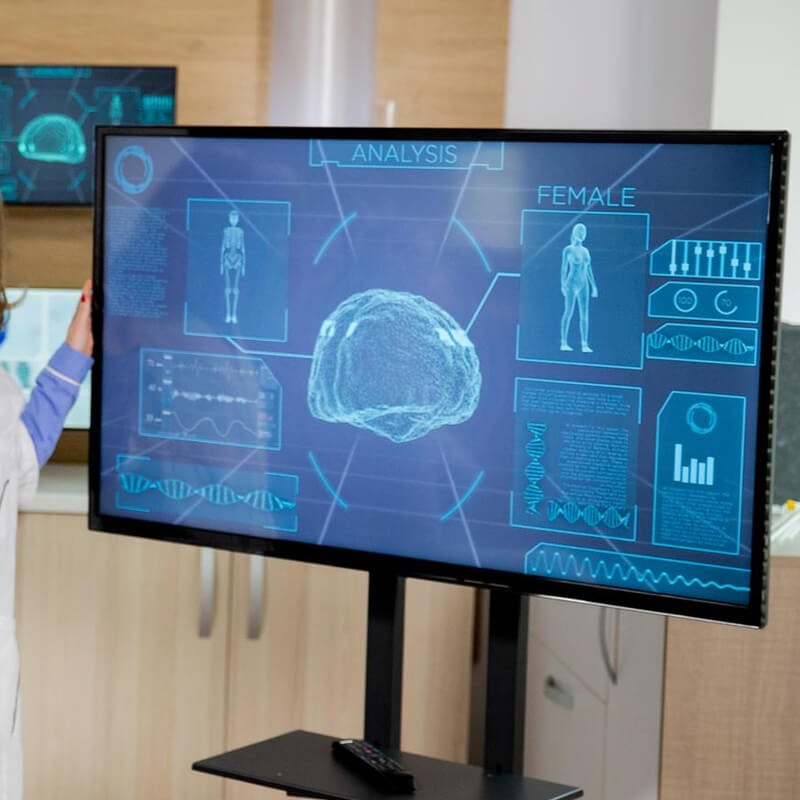
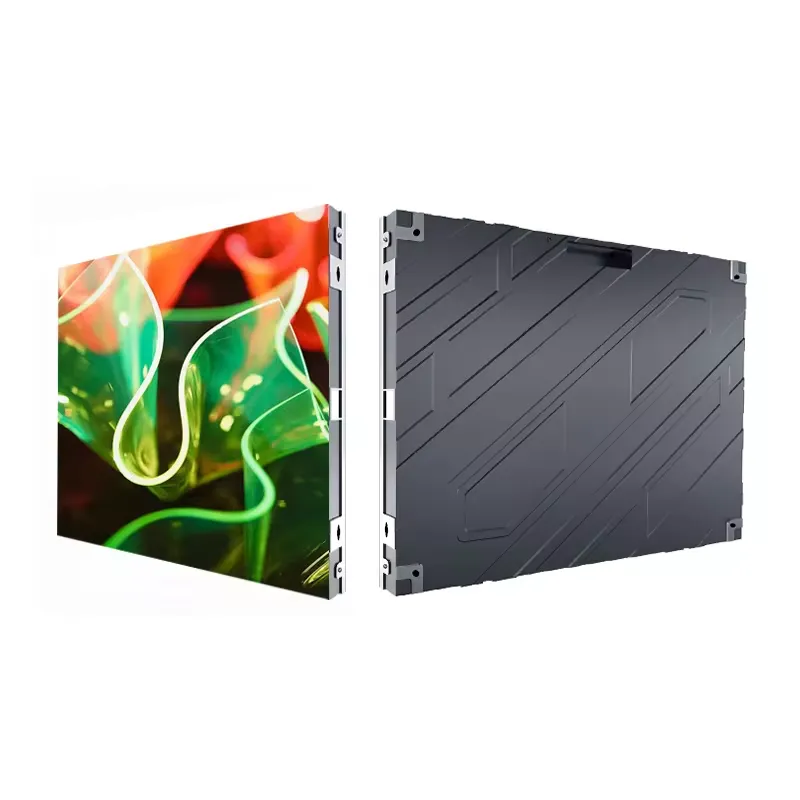
LED displays have become an important communication and advertising tool for businesses, events, retail stores, transportation hubs, and public spaces. However, a high-quality LED screen needs reliable software to manage and display content effectively. LED display software allows users to control screens, schedule content, adjust display settings, and monitor multiple LED panels from a single platform.

What Is LED Display Software?

LED display software is a specialized application used to control and manage content shown on LED screens. It connects a computer or other control device to an LED display and allows users to upload images, videos, text, animations, advertisements, and other content. Depending on the software, users can control one screen or manage multiple displays across different locations.

How Does LED Display Software Work?

The basic process is simple: Create or prepare content such as videos, images, text, or advertisements. Upload the content to the LED display software. Configure the display according to the screen size, resolution, and layout. Schedule the content for specific dates and times. Send the content to the LED screen through a wired or wireless connection. Monitor and update the display whenever changes are required. Modern platforms may support cloud-based control, allowing users to manage LED displays remotely through an internet connection.

Key Features of LED Display Software

1. Content Management

Users can upload and organize different types of media, including images, videos, text, animations, and promotional content. This makes it easier to keep LED displays fresh and engaging.

2. Content Scheduling

Scheduling allows businesses to automatically display specific content at particular times. For example, a retail store can show promotional offers during business hours and brand messaging at other times.

3. Remote Control

Many modern LED display solutions provide remote management. Users can update content, change playlists, and monitor displays without physically visiting the screen location.

4. Multi-Screen Management

Businesses with multiple LED screens can manage them from one software platform. Screens can be controlled individually or grouped together for synchronized content playback.

5. Real-Time Updates

LED display software can allow users to quickly update information. This is particularly useful for news, event announcements, transportation information, emergency messages, and live promotional campaigns.

6. Screen Configuration

The software can help configure important display parameters, including resolution, screen layout, brightness, playback settings, and content positioning.

7. Monitoring and Diagnostics

Advanced solutions may provide screen status information and alerts. These features can help identify connectivity issues, playback problems, or other display-related errors.

Conclusion

LED display software is an essential part of modern digital signage and LED screen management. It gives businesses and organizations greater control over their content while making scheduling, remote management, and multi-screen operations easier. As LED technology continues to develop, software is becoming increasingly important for delivering dynamic, timely, and engaging content. Choosing software with the right combination of content management, scheduling, remote control, monitoring, and scalability can help organizations get more value from their LED display investment.