BUYING AN LED SCREEN? AVOID THESE COSTLY MISTAKES FIRST

Buying an LED screen is a significant investment where technical specs often mean more than brand names. Avoiding these common pitfalls will ensure your display performs well for your specific needs.

Choosing the Wrong Pixel Pitch
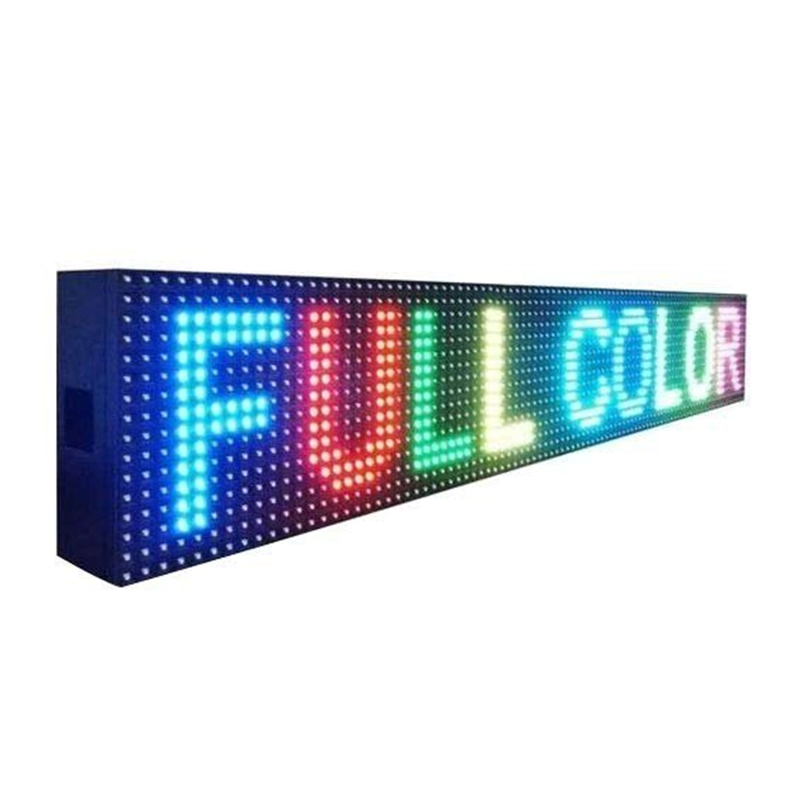
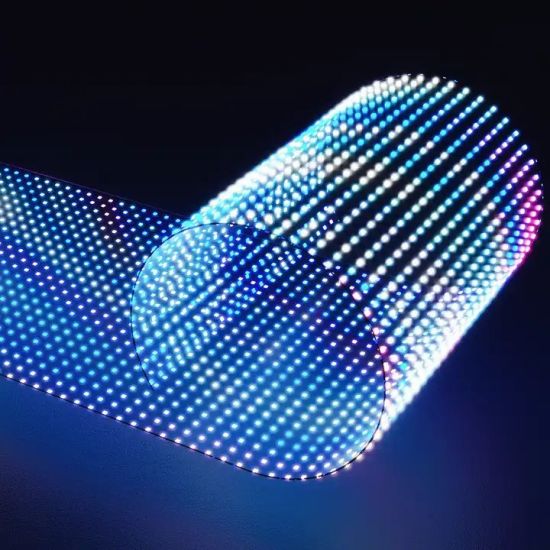
Pixel pitch is the distance (in millimeters) between the center of two pixels.
The Mistake: Buying a screen with a large pixel pitch (e.g., 4mm or 5mm) for a space where people will be standing close to it. This results in a “grainy” or “screen door” effect where individual dots are visible.
The Rule of Thumb: The ideal viewing distance in meters is roughly pixel pitch × 3. For example, a 1.5mm to 2mm pitch is usually best for indoor settings like home offices or small studios where the screen is just a few feet away.

 Ignoring the Refresh Rate (Critical for Video/Photos)
If you plan to film the screen or take photos of it, the refresh rate is the most important spec.
The Mistake: Buying a standard screen with a low refresh rate (under 1920Hz).
The Result: On camera, the screen will show flickering, dark “rolling lines,” or distorted colors that aren’t visible to the naked eye.
The Fix: Look for a “High Refresh Rate” of 3840Hz or higher to ensure a flicker-free appearance on digital cameras and smartphones.

Misjudging Brightness Needs

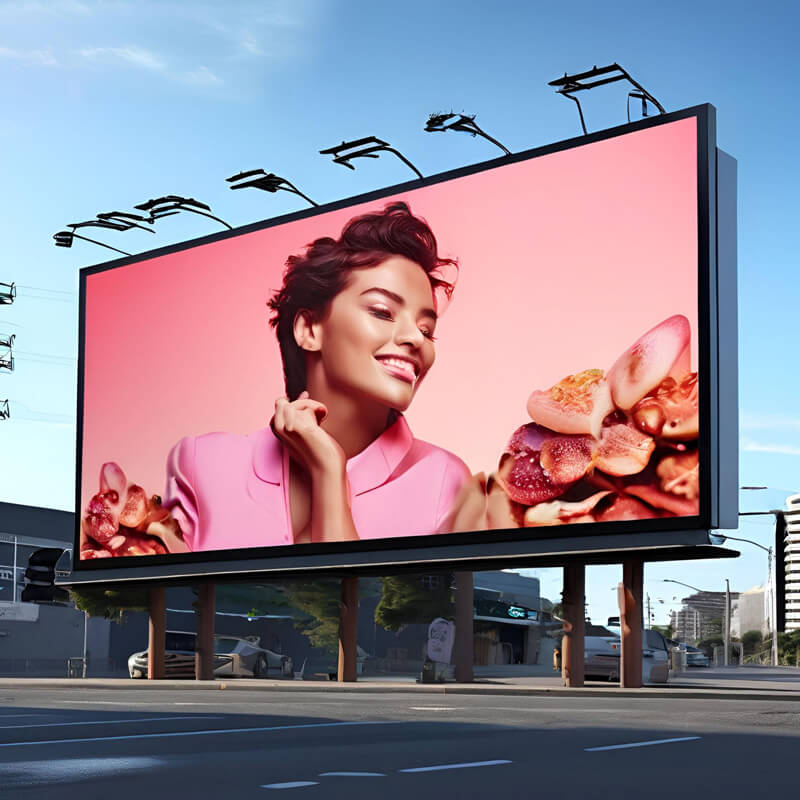
Brightness is measured in nits. The Mistake: Thinking "brighter is always better" or using an indoor screen in a sunlit window. The Reality: * Indoor Screens: Generally range from 800–1200 nits. Anything higher in a small room can cause eye strain and wash out colors. Outdoor/Window Screens: Need at least 3000–5000+ nits to compete with direct sunlight. An indoor screen in a bright window will look dull and unreadable.

Overlooking Heat and Ventilation LED screens generate a surprising amount of heat, especially when run at high brightness. The Mistake: Mounting a screen flush against a wall or inside a tight enclosure without airflow. The Result: Excessive heat shortens the lifespan of the LEDs and can cause "color shifting" where parts of the screen look more yellow or dim over time. Always ensure there is at least a few inches of clearance for ventilation.

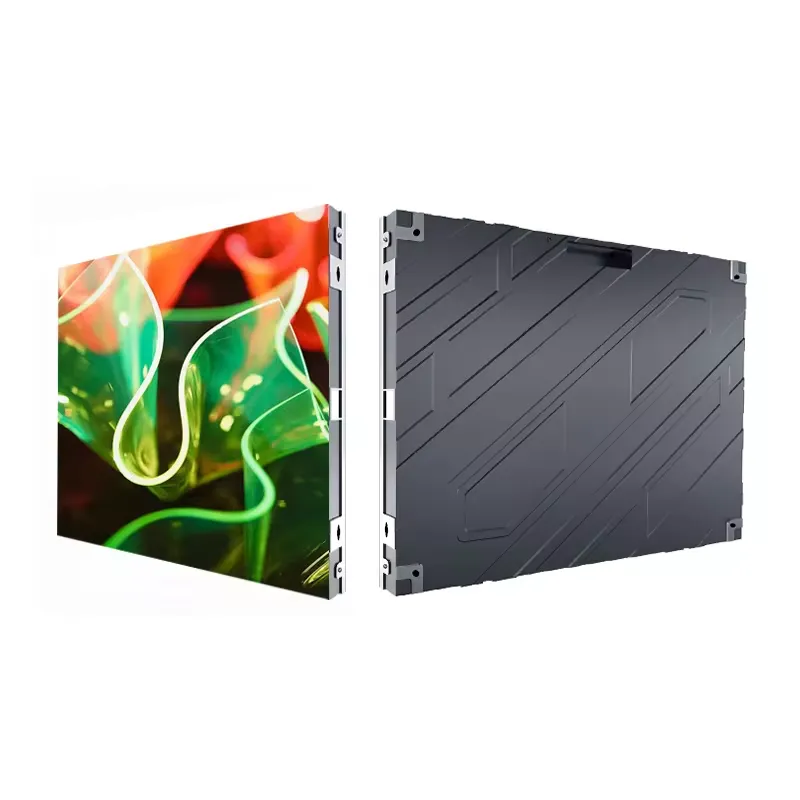
Neglecting the Control System & Aspect Ratio The Mistake: Ignoring how you will actually send content to the screen. The Issue: Unlike a TV, an LED screen is modular. If your screen's physical dimensions don't match a standard aspect ratio (like 16:9), your content may look stretched or cut off. The Fix: Confirm the Sending Box (the hardware that connects your computer to the screen) supports your desired resolution and that your content software can handle "custom resolutions" to match the screen's exact pixel count

Buying Based on Upfront Price Alone The Mistake: Choosing the cheapest supplier without checking the "Binning" or "Batch." The Risk: Cheap screens often use LEDs from different manufacturing batches. This leads to poor color uniformity, where one panel might look slightly greener or dimmer than the one next to it. Reliable manufacturers ensure all modules for your screen come from the same batch for a seamless look.